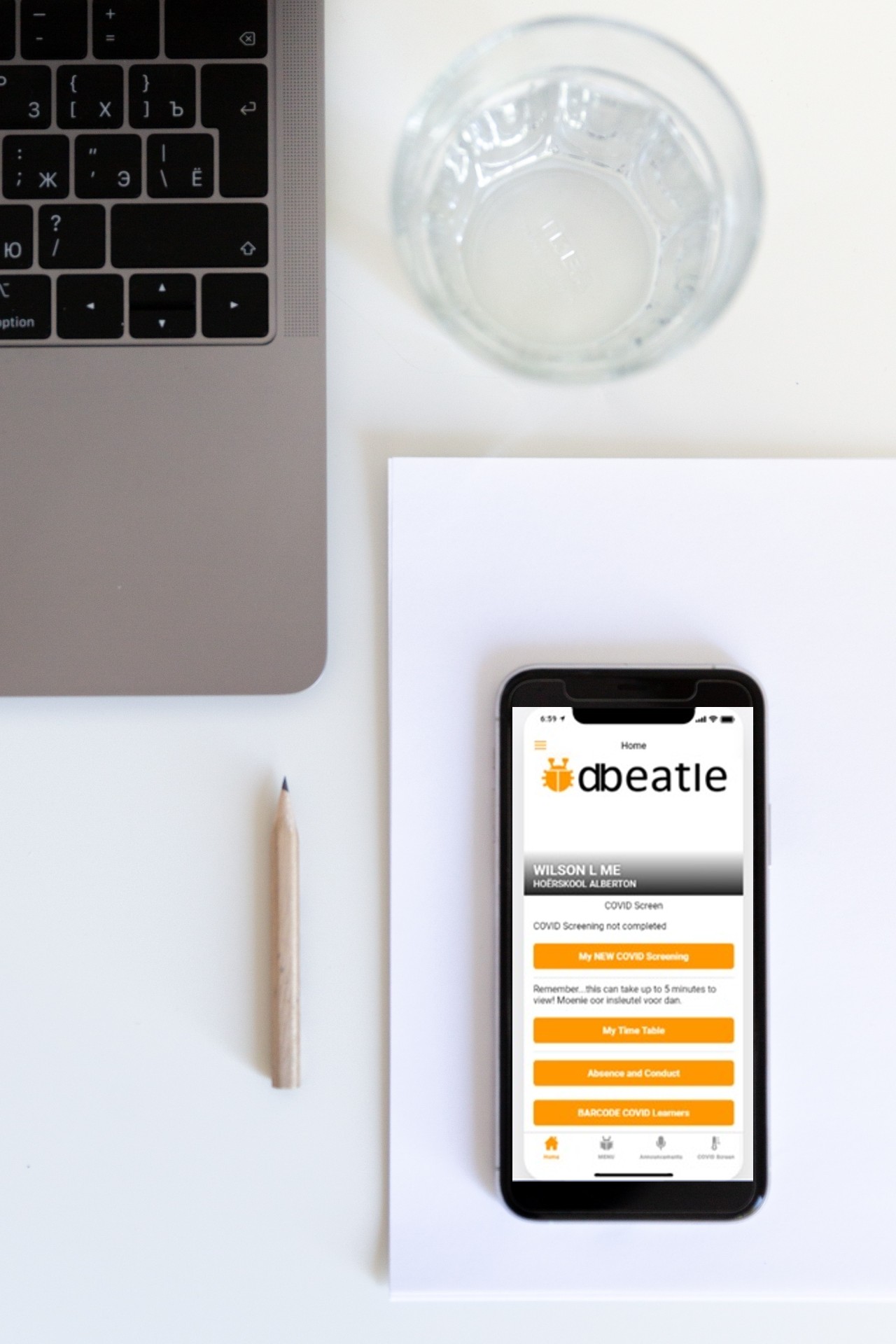
The dbeatle APP can be used on any device. Educators and staff members are given access to the dbeatle APP. You can be logged into more than one device at the same time.
The dbeatle APP can assist you in:
· COVID screening. Do your own COVID screening or learners’ COVID screening. This can be done faster by barcoding ID that the dbeatle server can print for you. Beneath each learners name will “COVID Screen not done” or if the learner was screened his/her temperature etc.
· School Attendance. Make use of our multi-select feature and easily search for a learner or class and check the learners who are absent. Beneath each learner’s name it will display “Absent from school” Easily see your subject you are teaching and how many learners are absent or signed out.
· Sign learners out. Learners or groups can easily be signed out. Beneath each learner’s name it will display “Sign out” or for example “Sign out u/15 Rugby Team”
· Learner Discipline. Easily select your learners you are teaching. Make use of our multi-select feature to mark “Homework not done” or select individual learners and assign conduct against them.
· Any one can see all registrations that were done on the dbeatle APP but only you and the assigned POWER USERS can edit this information.
· Access parent contact details. No longer do you have outdated information. Email directly from your device. The system will automatically complete fields like To and Subject line. The user will however pay at own costs if he/she phones directly from APP or send a sms message to the parents.